Back to QMetry All Products Help Page
How to store variable value during tests
QAS has predefined steps for BDD as well as for Java to store a variable during test.
A : Store variable value via BDD
Below is the Store method for BDD.
store "locator_value" into "new_variable"
Example :

B : Store variable value via Java/code
Step1 : Create a custom steps in BDD.
SCENARIO : MyNextSteps
META-DATA: {"description":"Creating new steps","groups":["SMOKE"],"author":"john.doe"}
# creating my own custom steps
		Then my custom steps to store value in variable "myVariable"
END
Example :

Step2 : Write a java method inside StepLibrary class for that custom steps.
Note : Pass variable index number instead of the variable name.
import com.qmetry.qaf.automation.step.QAFTestStep;
import static com.qmetry.qaf.automation.core.ConfigurationManager.getBundle;

public class StepsLibrary {
	// for single type of variable
		@QAFTestStep(description = "my custom steps to store value in variable {0}")
	public static void myJSmethodToStoreVariable (String myVariable) {
	// my code for java script
	String myValue = "value which i want to store";
	getBundle().addProperty(myVariable, myValue);
	}
	// for multi variable type
		@QAFTestStep(description = "my custom steps to Add value {0} and {1} to {2} value")
	public static void myCustomSteptoAddVariable(String myvar1,String myvar2,String myvar3) {
	// my code logic
		System.out.println(myvar1+myvar2+myvar3);
	}
}
Example :
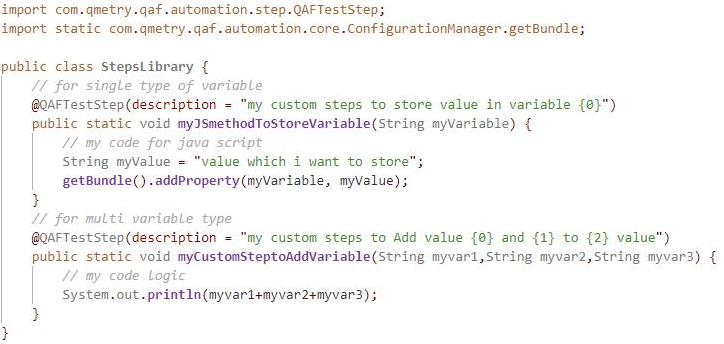
Or
If you directly want to do it by coding, refer below code :
import static com.qmetry.qaf.automation.core.ConfigurationManager.getBundle;
and use its method : getBundle().addProperty(varibale, value);
This way a variable can be stored and used for further usage.
Back to QMetry All Products Help Page